Live values
A lookbook with depth
Scroll the lookbook and each collection's photo drifts slower than its banner and its words faster, as if they sat at different depths.
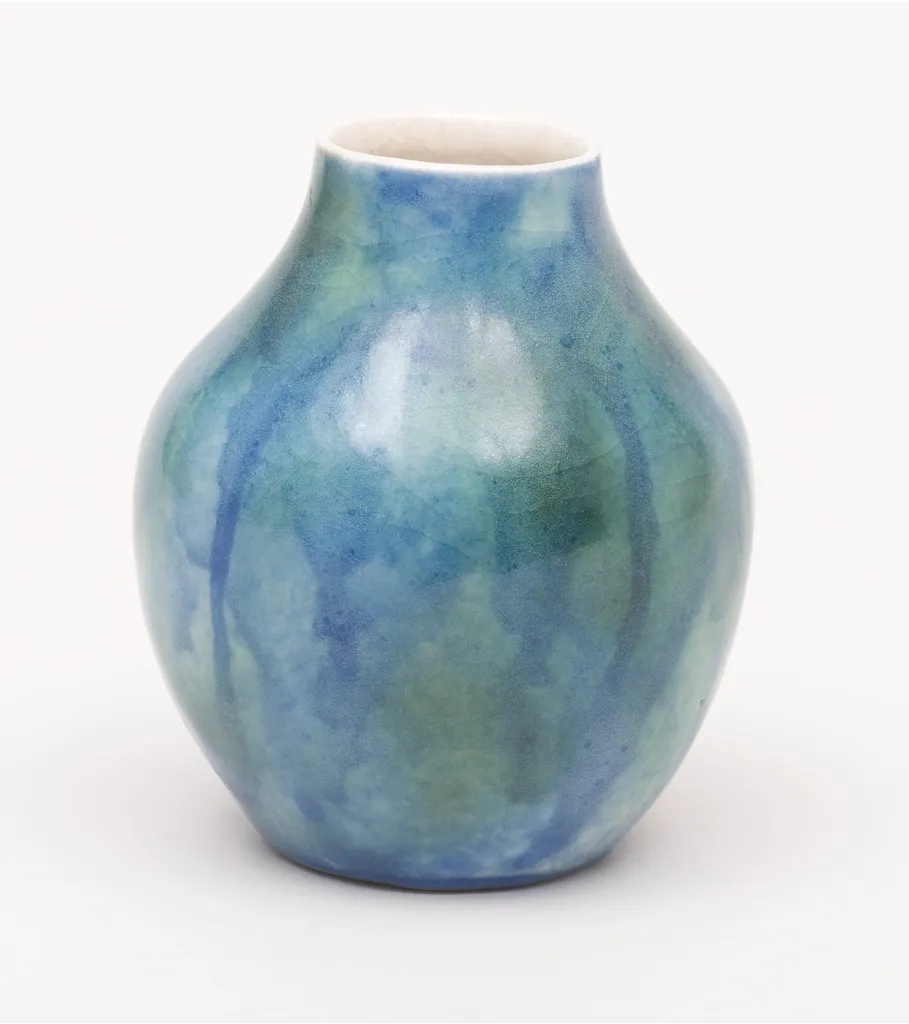
Vases
Thrown in one piece, glazed to run.
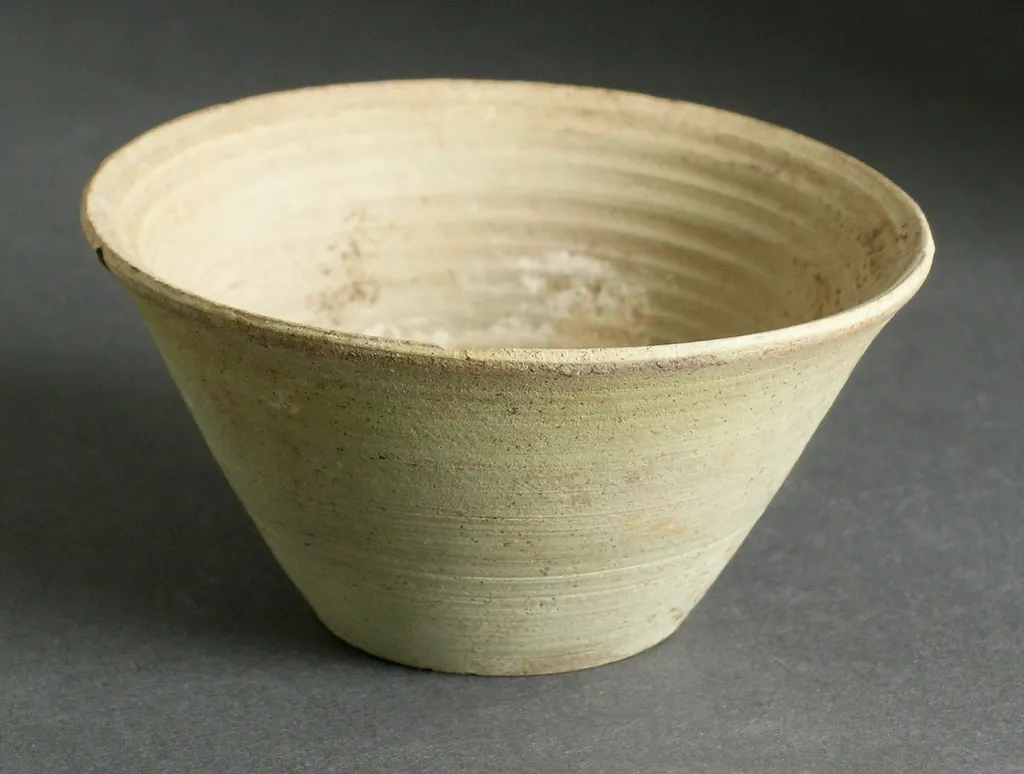
Bowls
For the table, and for keeping things in.
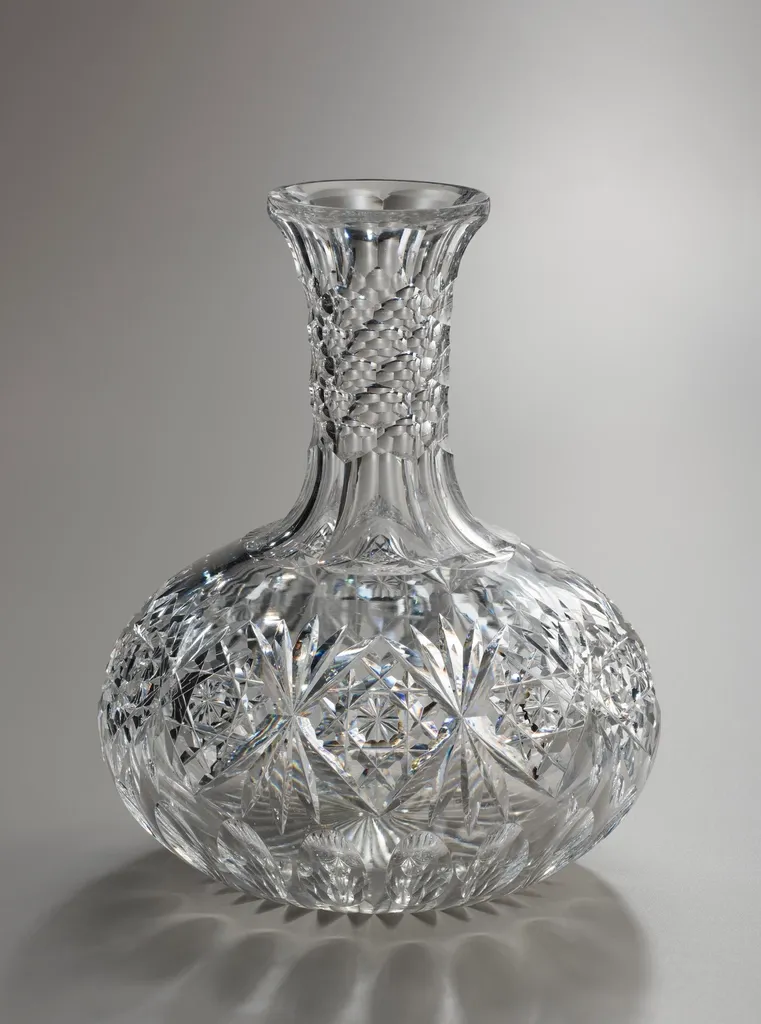
Glass
Blown next door, cut by hand.
Reduced motion: Nothing drifts: the photos and words scroll with their banners.
Why
A lookbook is for browsing, and depth makes it feel like a place: as you move, near things pass faster than far ones. Each banner's photo moves a little slower than the banner, and its words a little faster, so the photo reads as behind and the words in front.
Each banner asks createScroll for its own progress through the panel: with a target and Motion's offset, ["start end", "end start"], it's 0 as the banner's top comes in at the bottom and 1 as its bottom leaves at the top. createTransform maps that to a few dozen pixels of y for the photo and for the words, one each way.
A parallax is motion of your own, so reduced motion is yours to apply: Wardic snaps the animations it runs, and a live value follows what moves it. The demo's transforms give 0 under it.
The code
import { photoOf, srcsetOf } from "@wardic/example-storefront-shared/images"
import { type Collection, LOOKBOOK } from "@wardic/example-storefront-shared/stories"
import { createScroll, createTransform, wardic } from "@wardic/solid"
import { For } from "solid-js"
import { useReducedMotion } from "~/lib/preferences.tsx"

export default function Parallax() {
  let panel!: HTMLDivElement
  return (
    <div class="lookbook" ref={panel} tabindex="0" aria-label="The lookbook">
      <For each={LOOKBOOK}>{(collection) => <Banner collection={collection} panel={() => panel} />}</For>
    </div>
  )
}

function Banner(props: { readonly collection: Collection; readonly panel: () => HTMLElement | undefined }) {
  let banner!: HTMLElement
  const reduced = useReducedMotion()
  // How far the banner has come through the panel: 0 as its top comes in at the bottom, 1 as its
  // bottom leaves at the top.
  const { scrollYProgress } = createScroll({ container: props.panel, target: () => banner, offset: ["start end", "end start"] })
  // The photo moves less than the banner, the words more: depth. Under reduced motion, neither.
  const depth = (travel: number) => (progress: number) => {
    if (reduced()) return 0
    return (progress - 0.5) * travel
  }
  const photoY = createTransform(scrollYProgress, depth(90))
  const wordsY = createTransform(scrollYProgress, depth(-70))
  const photo = photoOf(props.collection.photo)
  return (
    <section class="lookbook-banner" ref={banner}>
      <wardic.img class="lookbook-photo" style={{ y: photoY }} src={photo.large} srcset={srcsetOf(photo)} sizes="(max-width: 640px) 100vw, 720px" alt="" />
      <wardic.div class="lookbook-words" style={{ y: wordsY }}>
        <h3>{props.collection.title}</h3>
        <p>{props.collection.blurb}</p>
      </wardic.div>
    </section>
  )
}
"use client"
import { photoOf, srcsetOf } from "@wardic/example-storefront-shared/images"
import { type Collection, LOOKBOOK } from "@wardic/example-storefront-shared/stories"
import { motion, useReducedMotionConfig, useScroll, useTransform } from "motion/react"
import { type RefObject, useRef } from "react"

export default function Parallax() {
  const panel = useRef<HTMLDivElement>(null)
  return (
    <div className="lookbook" ref={panel} tabIndex={0} aria-label="The lookbook">
      {LOOKBOOK.map((collection) => (
        <Banner key={collection.title} collection={collection} panel={panel} />
      ))}
    </div>
  )
}

function Banner({ collection, panel }: { readonly collection: Collection; readonly panel: RefObject<HTMLDivElement | null> }) {
  const banner = useRef<HTMLElement>(null)
  // The system's setting, or the header's switch (`MotionConfig`).
  const reduced = useReducedMotionConfig()
  // How far the banner has come through the panel: 0 as its top comes in at the bottom, 1 as its
  // bottom leaves at the top.
  const { scrollYProgress } = useScroll({ container: panel, target: banner, offset: ["start end", "end start"] })
  // The photo moves less than the banner, the words more: depth. Under reduced motion, neither.
  const depth = (travel: number) => (progress: number) => {
    if (reduced) return 0
    return (progress - 0.5) * travel
  }
  const photoY = useTransform(scrollYProgress, depth(90))
  const wordsY = useTransform(scrollYProgress, depth(-70))
  const photo = photoOf(collection.photo)
  return (
    <section className="lookbook-banner" ref={banner}>
      <motion.img className="lookbook-photo" style={{ y: photoY }} src={photo.large} srcSet={srcsetOf(photo)} sizes="(max-width: 640px) 100vw, 720px" alt="" />
      <motion.div className="lookbook-words" style={{ y: wordsY }}>
        <h3>{collection.title}</h3>
        <p>{collection.blurb}</p>
      </motion.div>
    </section>
  )
}